
Quick Answer: Google is moving Local Services Ads into Google Ads as Performance Max campaigns with pay-per-lead goals. Remodelers generally will not need to rebuild campaigns, but they should export historical reports, review the converted budget, confirm business information, and monitor lead quality after migration.
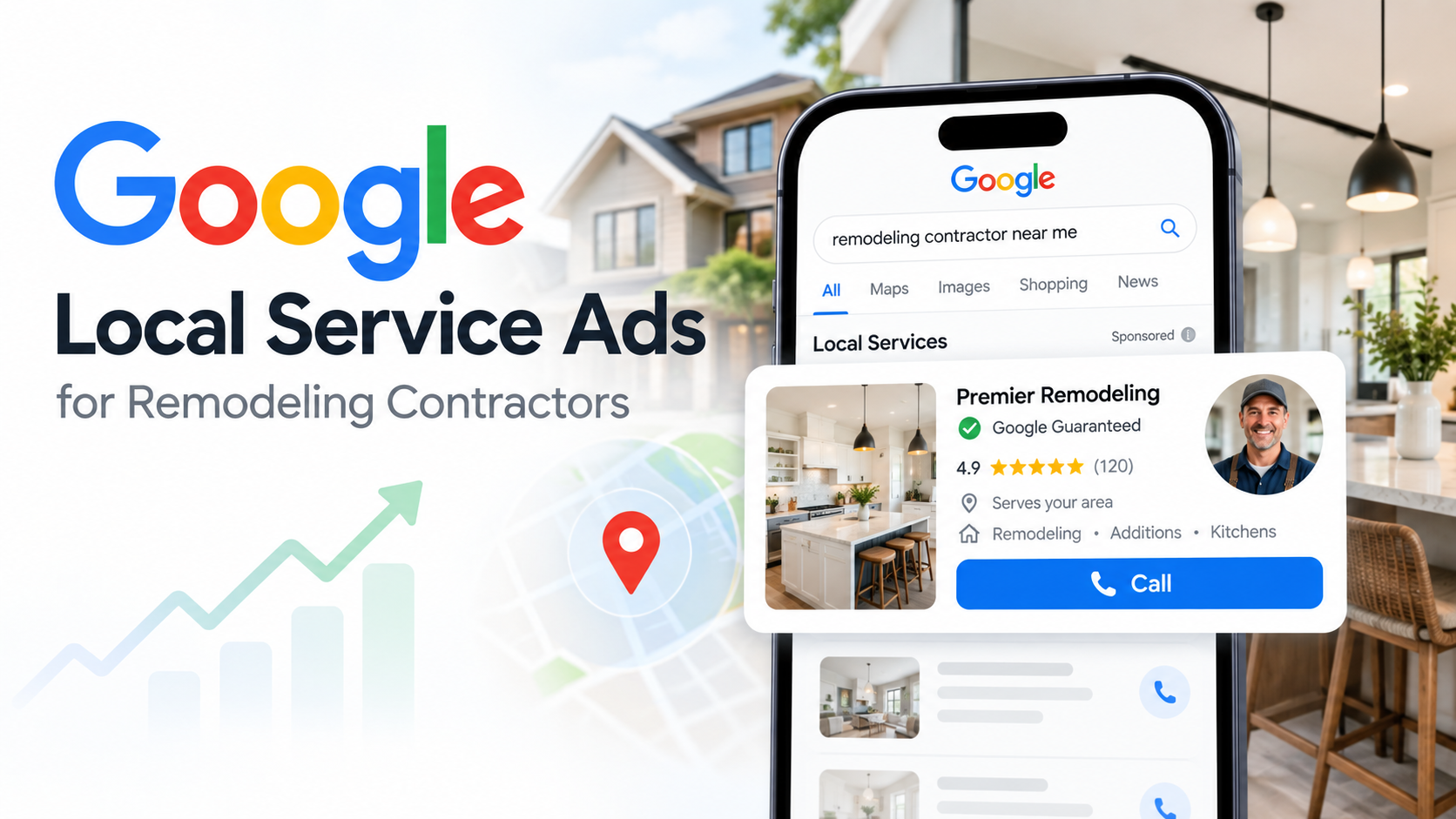
Google is moving Local Services Ads (LSAs) into the Google Ads platform. For remodeling companies, the ads are not disappearing, but management, budgets, bidding, reporting, and lead tracking are changing. Existing campaigns will move into a specialized Performance Max campaign type while keeping the pay-per-lead model.
When Will Google Local Services Ads Migrate?
Google is rolling out the LSA migration in phases.
Phase 1: Select U.S. Service Businesses
The first phase began in August 2026 for select U.S. home and storefront service advertisers, including plumbing, HVAC, electrical, appliance repair, house cleaning, lawn care, roofing, pest control, and moving. Not every remodeling company is included in this group.
Phase 2: Broader U.S. Advertiser Groups
Later in 2026, Google plans to expand the migration to broader advertiser groups, including service-area businesses without physical storefronts and accounts using certain custom bidding or booking configurations.
Phase 3: Remaining Categories and Markets
The rollout is expected to continue through 2027 for non-U.S. accounts and remaining business categories. There is no single migration date for every remodeler, so watch your email and current LSA dashboard for account-specific notice.
What Is Changing for Remodelers?

Google Ads Become the Primary Dashboard
Once your account migrates, Google Ads becomes the main place to manage the campaign and respond to leads.
Before migration, confirm that the correct business owner and agency users have access. Also verify your phone number, billing information, lead notifications, and administrator email.
Weekly Budgets Become Daily Budgets
Traditional LSAs use an average weekly budget. After migration, Google converts that amount into an average daily budget by dividing the weekly budget by seven.
For example, a $700 weekly budget becomes an average daily budget of about $100. Review the transferred amount carefully so it reflects your monthly advertising goals, seasonality, project demand, and sales capacity.
Manual Bidding Is Changing
Google is removing manual bidding options such as manually setting a maximum cost per lead. Automated bidding and campaign-level Target CPA controls become more important.
This matters because a bathroom renovation and a whole-home remodel may not justify the same lead cost. Separate campaigns may make sense when service lines require different targets, but splitting too aggressively can reduce bidding data.

Historical LSA Reports Will Not Transfer
Google says previous Local Services Ads performance reports will not carry over into Google Ads. Save your historical data before the old dashboard becomes unavailable.
At minimum, preserve:
- Monthly spend
- Total leads
- Cost per lead
- Calls and messages
- Booked consultations and estimates
- Closed projects and revenue
- Performance by location and service
This gives you a baseline for judging performance after the transition.
Google Business Profile Information Syncs Automatically
Google Ads will use your Google Business Profile for key details such as your business name, address, and hours. Review them before migration.
BBB Callouts Are Being Discontinued
BBB callouts will no longer be supported. In Google Ads, open the Assets tab and add at least six replacement callouts, such as business hours, remodeling specialties, service areas, payment options, or financing.
What Is Staying the Same?
For eligible businesses:
- You continue paying for valid leads rather than ordinary clicks.
- Campaigns remain key-wordless.
- Ads continue appearing on Google Search and Google Maps.
- Existing campaigns migrate automatically.
- Service categories and service areas remain important.
What to Expect During Migration
Google automates the migration to minimize downtime. The account administrator should receive an email about 14 days before the scheduled migration, along with notification banners in the existing LSA dashboard.
Google will transfer key settings such as targeted locations, service types, business categories, budget limits, ad schedule, and business photos. In most cases, you will not need to rebuild the campaign manually.
Pre-Migration Checklist for Remodeling Companies

1. Export Historical Performance Data
Save spend, leads, CPL, booked consultations, estimates, close rate, average project value, and revenue.
2. Review Your Google Business Profile
Check your business name, address, hours, website, phone number, service areas, photos, reviews, and listed services.
3. Audit Your Remodeling Services
Remove services you do not provide and add important services that are missing. Avoid unrelated categories just to increase exposure. More reach is not useful if the leads are looking for work you do not perform.
4. Establish Lead-Quality Benchmarks
Do not judge your campaign only by lead volume. Track cost per lead, valid lead percentage, booked consultation rate, estimate rate, close rate, average project value, and revenue per lead.
5. Confirm Your Lead-Response Process
Confirm who answers calls, follows up on missed leads, qualifies prospects, and tracks each opportunity.
What Should Remodelers Check After Migration?
Once the campaign appears inside Google Ads, review the transferred settings instead of assuming everything is correct.
Check your daily budget, Target CPA, service categories, service areas, ad schedule, phone number, message and booking settings, lead notifications, account access, billing, and conversion tracking.
Allow time for the migration to fully complete and performance to stabilize. During that period, avoid making several major changes at once. Otherwise, it becomes difficult to know what actually affected performance.
Compare the migrated campaign with your historical baseline. Look at lead volume, lead quality, cost per lead, booked consultations, estimates, and closed revenue rather than focusing on one metric alone.
How Dallas Remodelers Should Prepare
For Dallas-Fort Worth remodeling companies, local targeting deserves extra attention.
DFW covers a large geographic area, and not every lead is equally practical or profitable. A remodeler serving Dallas, Plano, Frisco, McKinney, Richardson, Allen, or Flower Mound should evaluate where the strongest projects actually come from rather than automatically targeting the entire metroplex.
Focus on areas where your team can efficiently provide consultations and where project values support acquisition costs. Your Google Business Profile, website, reviews, project photos, and advertising should also clearly communicate what you remodel, where you work, and how homeowners can request an estimate.

Common LSA Migration Mistakes
Avoid these common mistakes:
- Ignoring Google’s migration notifications
- Failing to save historical reports
- Assuming the transferred daily budget is correct
- Keeping inaccurate service categories
- Focusing only on lead volume instead of lead quality
- Failing to track estimates and closed revenue
- Responding slowly to new leads
- Making too many campaign changes immediately after migration
The migration itself is automated, but good account management is not.
How Search Pros Can Help With the LSA Migration
If you have multiple active Local Services Ads campaigns and are concerned about the transition, the good news is that Google is handling the migration automatically.
However, once your campaigns move into Google Ads, ongoing campaign management will still matter. Budgets, bidding, service categories, targeting, lead tracking, and overall performance should be reviewed carefully to make sure everything continues running as intended.
At Search Pros, we have more than 15 years of experience managing Google Ads campaigns and helping businesses generate qualified leads through paid search.
Get in touch with Search Pros to see how we can help.
Google LSA Migration FAQs for Remodelers
Are Google Local Services Ads Going Away?
No. Google is moving Local Services Ads into Google Ads as a specialized Performance Max campaign with pay-per-lead goals.
Will Remodelers Still Pay Per Lead?
Yes. Eligible campaigns continue charging for valid customer leads rather than standard ad clicks.
Do I Need to Rebuild My LSA Campaign?
In most cases, no. Google is automatically migrating existing campaign settings. However, you should save historical reports beforehand and review everything after migration.
What Should a Remodeler Do First?
Start by checking your migration notifications and exporting historical LSA performance data. Then review your Google Business Profile, services, service areas, lead routing, account access, and budget.
After migration, compare lead volume, lead quality, cost per lead, booked consultations, estimates, and closed revenue with your historical baseline.
Does Search Pros Handle the Google LSA Migration?
Google performs the technical migration automatically, so most businesses do not need to rebuild their Local Services Ads campaigns. Search Pros can review the account before and after the transition to make sure settings and performance remain on track.
For Search Pros clients, our team reviews the migrated campaign settings, budget, bidding, service categories, service areas, business information, lead notifications, and conversion tracking. If we identify an issue that requires your attention, we will recommend the appropriate next step.